
Automation
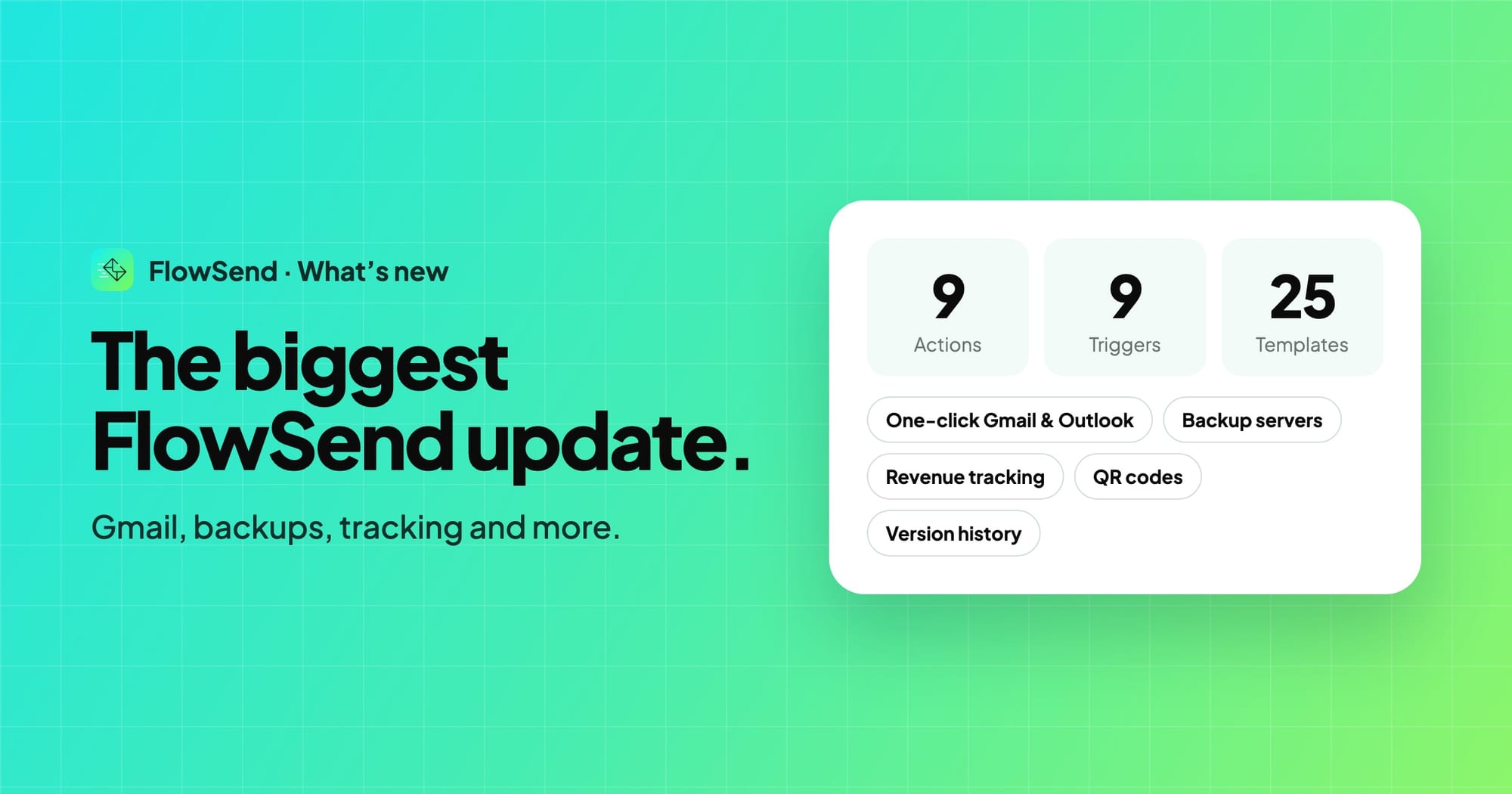
What's new in FlowSend: one-click Gmail, backup servers, tracking and 25 Flow templates
The biggest FlowSend update yet. Here's everything that changed, and where to start.
 FlowSend
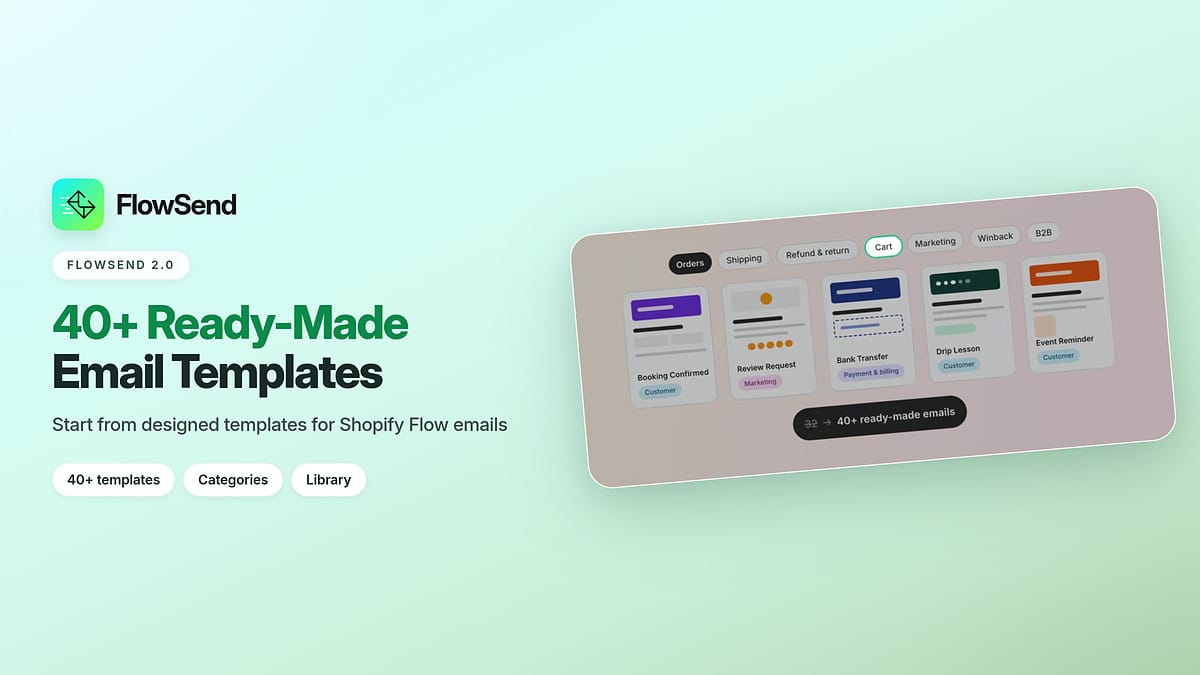
Browse FlowSend 2.0's Library of 40+ ready-made Shopify email templates, organized by Orders, Shipping, Refund, Cart, Marketing, Winback, and B2B.
The biggest FlowSend update yet. Here's everything that changed, and where to start.
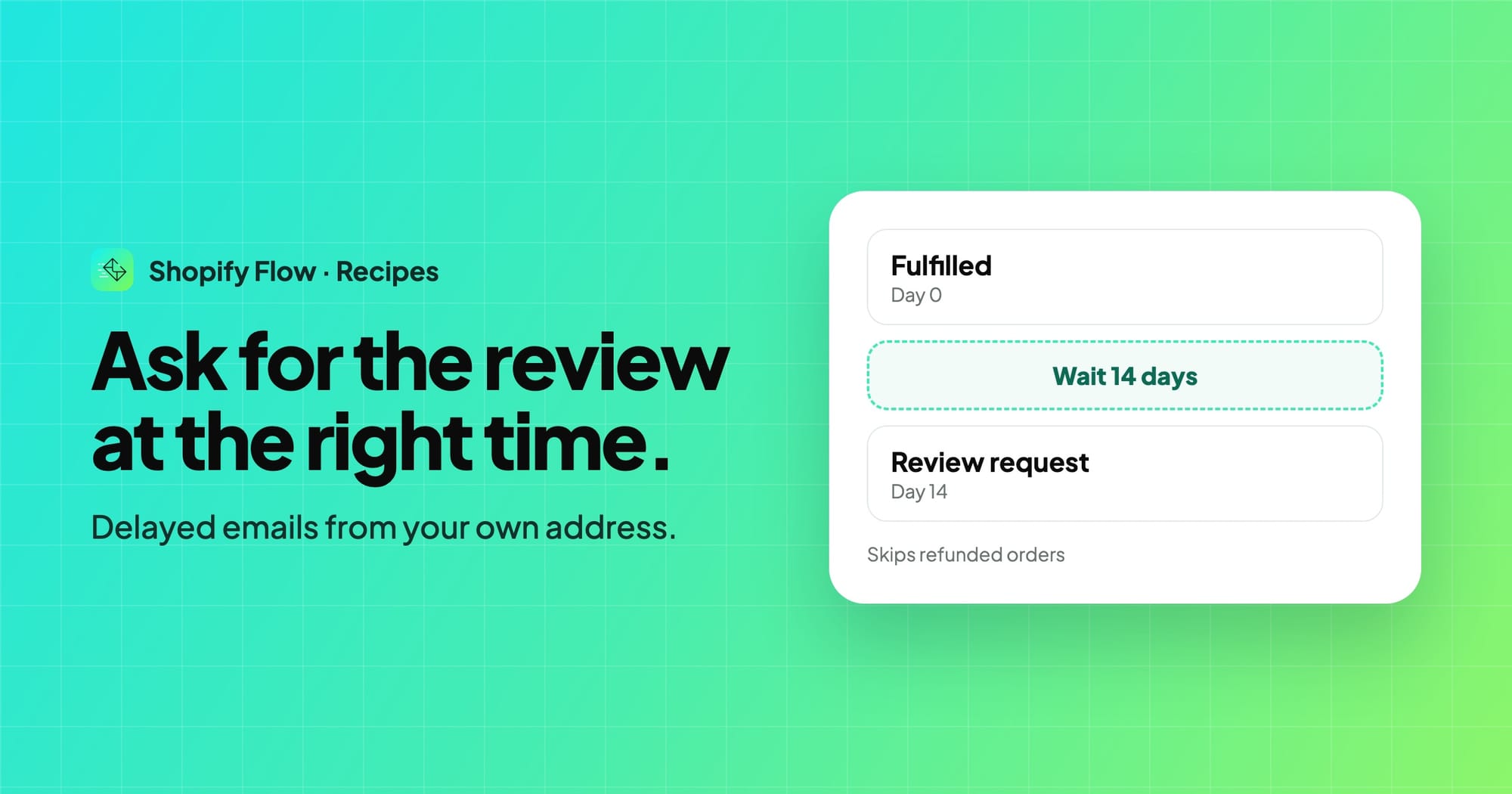
The best time to ask for a review is when the product has arrived and been used, not the moment the order is placed. Here's how to time it.
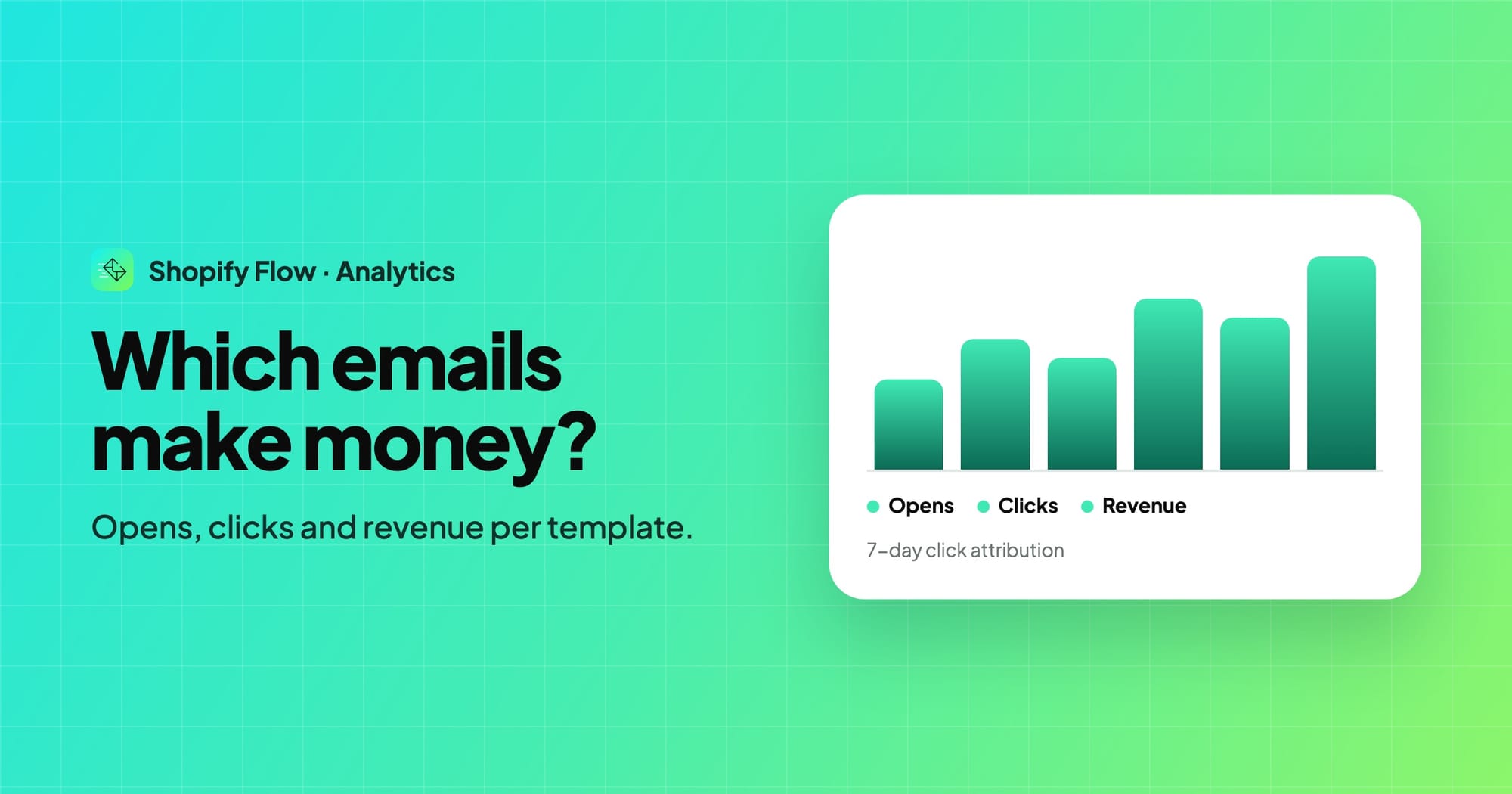
You've automated a dozen Flow emails. Now see which ones customers click, and which ones lead to orders.
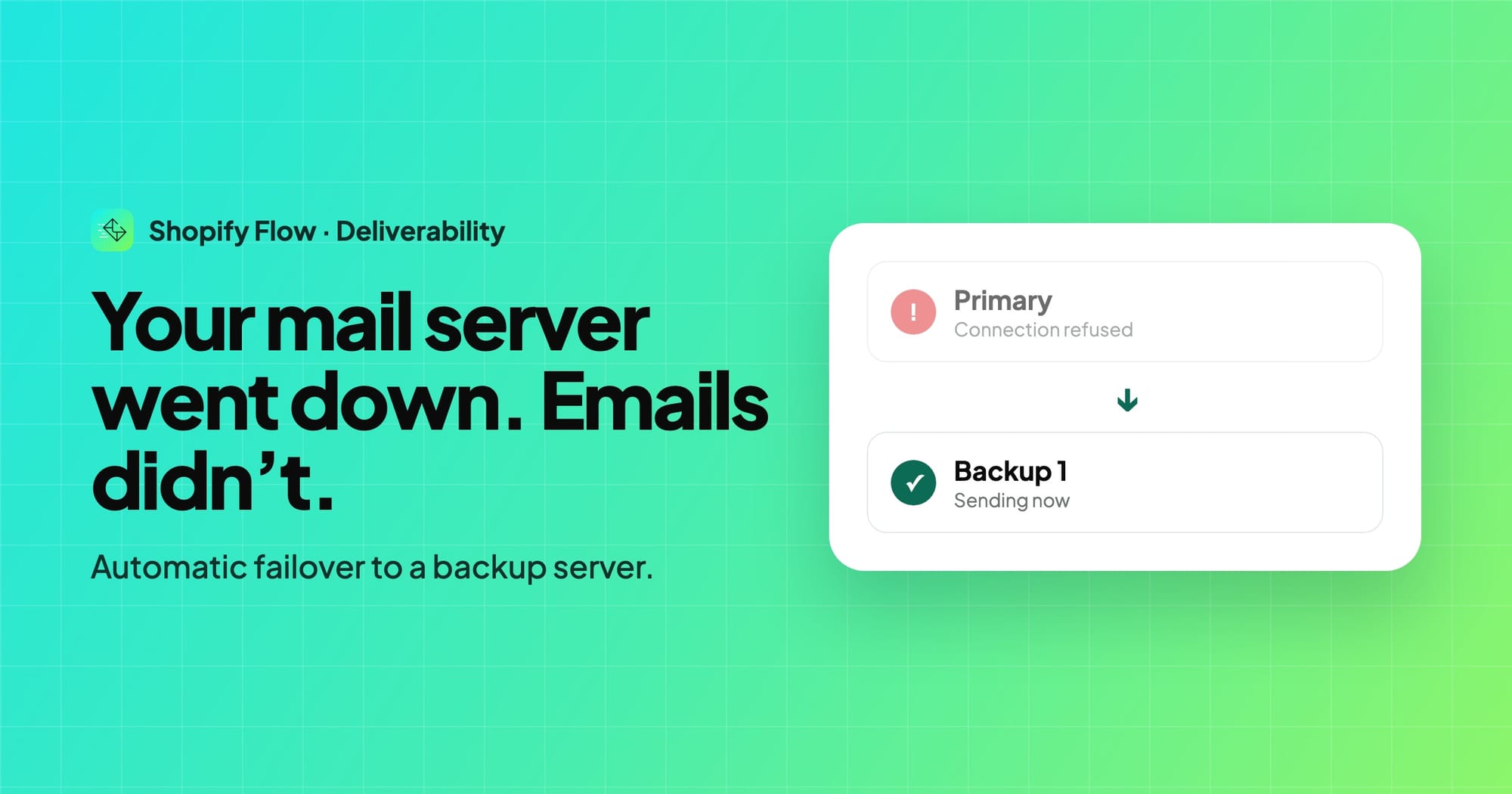
Passwords change, sign-ins expire, providers have outages. A backup mail server means your order emails keep going out anyway.